How to make a logo with AI

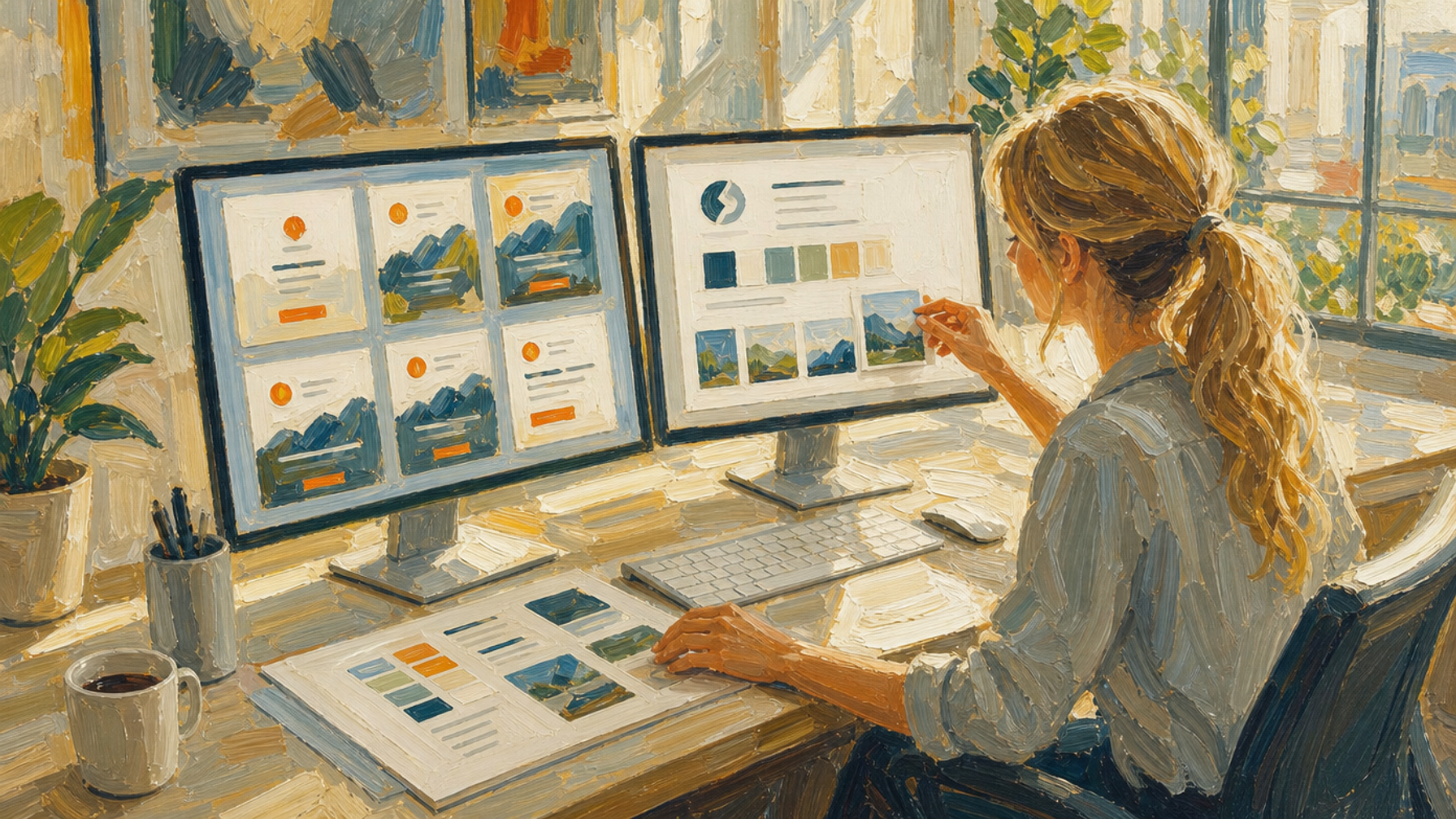
Making a logo with AI is a two-part job: settle the brand, then choose a tool that matches how much finishing work you are prepared to do yourself. That second half is where most attempts stall, and it is the part a start-a-business app like Draper is built to absorb.
The image is the easy bit. A usable logo is a set of files, not a picture.
- Settle the brand before you open any tool. Who this is for, what you promise, how you sound, what you would never say. This is the input that decides whether the output is specific or generic.
- Decide the logo type you are asking for. A pictorial mark, an abstract mark or a lettermark are the three that suit most brands, and they need different prompts.
- Pick the tool category, not the brand name. Procedural generator, direct image model, or a dedicated tool built on top of a model. The three produce genuinely different things.
- Prompt from the brand, not from the category. Feed in the customer, the promise, the tone and the references. "Logo for a coffee brand" returns the average coffee logo.
- Iterate on one variable at a time. Change the subject, or the art style, or the composition — not all three. Otherwise you cannot tell what improved it.
- Do the finishing work. Vector file, square lockup, wide lockup, small-size and dark-background versions. This is the step that turns an image into a logo.
What are the three kinds of AI logo tool?
AI logo tools divide into three categories: procedural generators, direct image models, and dedicated tools built on top of those models. They differ in whether the output is original, how much iteration it takes, and how much finishing work is left with you — and those three questions decide which one suits you.
| Kind of tool | What it actually does | What it leaves you to do |
|---|---|---|
| Procedural generator | Assembles premade clipart and fonts into a mark | Nothing, because the output is derivative by construction |
| Direct image model | Generates an original image from your prompt | Iteration, brand fit, clean-up, variations and the vector file |
| Dedicated tool | Directs an image model towards logo output | Varies — most still leave clean-up and variations with you |
Why do procedural logo generators produce derivative logos?
A procedural generator is not generating anything. It picks from a library of premade clipart and typefaces and arranges the pieces — a search-and-layout job rather than a design one. Tools in this category market themselves as AI logo generators — design.com's AI logo generator is one of them — and the mechanism is the problem, not the marketing.
The output is derivative by construction. Every asset in that library was drawn for somebody else and is available to everyone else using the same tool, so the ceiling is a competent arrangement of parts other brands are also using.
They are quick and they are cheap, and for a mark that has to carry a brand they are worth avoiding entirely.
What does going direct to an AI image model get you?
Original work, cheaply, with the most flexibility of any route — and the most work left over. Nano Banana 2 is the recommendation here for affordable, high-quality results. The trade-off is iteration: getting a usable mark out of a raw image model takes many attempts, and getting an on-brand one takes more.
The brand-fit problem is the real cost. The model knows nothing about your business beyond the prompt, so every piece of brand context has to be typed in each time, and consistency between attempts is something you enforce rather than something you get.
Then the output is a raster image. The variations, the clean-up and the vector file are all still ahead of you.
What do dedicated logo tools add?
They direct the image model for you. Leonardo AI has a logo generation blueprint, and it is a meaningful improvement on prompting a raw model — the output arrives closer to logo-shaped, with less iteration spent discovering what to ask for.
What it does not do is finish the job. It does not handle clean-up or produce the variations you need, and it still requires direction, which means you still have to know what you are asking for before you ask.
That is the honest shape of this category: less iteration than going direct, the same finishing work waiting at the end.
What is still left after the image is generated?
A working logo is a set of files, not one image. You need a vector version that scales without degrading, a square lockup for profile pictures and app icons, a wide lockup carrying the name, and versions that hold up at small sizes and on dark backgrounds.
None of that is generated for you on the direct or dedicated routes. It is design and file work, it is unglamorous, and it is where a promising AI logo most often stops being a project anyone finishes.
Budget for it before you start. Our list of the best AI tools to start a business in 2026 covers where the rest of this stack sits.
Why does the brand have to come before the prompt?
A prompt written from the category asks the model for an average. AI logos come out generic almost never because of the model and almost always because the prompt contained an industry and no brand. A model given a customer, a promise, a tone and references produces something specific.
That is the same reason procedural tools fail, arriving by a different route: one draws from a shared library, the other from a shared average.
Do the brand work first. Our guide on how to design a brand for a new business idea is the input this whole process runs on, and it is what makes the difference between a mark that fits and a mark that could belong to anyone.
How does Draper approach it?
Draper runs a structured interview to establish the brand, generates the logo against it, and handles the finishing end to end — the clean-up, the file types, every variation you need, and a matching custom typeface. It is the part of the sequence where the brand work already done gets reused rather than retyped.
The limit is real and worth naming: the output is only as good as the interview. Draper is doing the brand thinking with you, not instead of you, and a vague set of answers produces a competent logo for a business nobody can picture.
The same is true of every route on this page. The tool decides how much work is left over; the brand decides whether the result is any good.
Related questions
Before the logo comes the brand: how to design a brand for a new business idea covers the decisions this article assumes you have made. Once you have a mark, whether you can trademark a business idea covers what is yours to keep.
Frequently asked questions
- How do I make a logo with AI?
- Making a logo with AI is a two-part job: settle the brand, then choose a tool that matches how much finishing work you are prepared to do yourself. That second half is where most attempts stall, and it is the part a start-a-business app like Draper is built to absorb.
- What kinds of AI logo tool are there?
- AI logo tools divide into three categories: procedural generators, direct image models, and dedicated tools built on top of those models. They differ in whether the output is original, how much iteration it takes, and how much finishing work is left with you — and those three questions decide which one suits you.
- What is the best AI model for making a logo?
- Original work, cheaply, with the most flexibility of any route — and the most work left over. Nano Banana 2 is the recommendation here for affordable, high-quality results. The trade-off is iteration: getting a usable mark out of a raw image model takes many attempts, and getting an on-brand one takes more.
- Can AI give me a logo file I can actually use?
- A working logo is a set of files, not one image. You need a vector version that scales without degrading, a square lockup for profile pictures and app icons, a wide lockup carrying the name, and versions that hold up at small sizes and on dark backgrounds.
- Do I need a brand before I generate a logo?
- A prompt written from the category asks the model for an average. AI logos come out generic almost never because of the model and almost always because the prompt contained an industry and no brand. A model given a customer, a promise, a tone and references produces something specific.
- Why do procedural AI logo generators produce derivative logos?
- A procedural generator is not generating anything. It picks from a library of premade clipart and typefaces and arranges the pieces — a search-and-layout job rather than a design one. Tools in this category market themselves as AI logo generators — design.com's AI logo generator is one of them — and the mechanism is the problem, not the marketing.
Related
Types of logos and when to use each
There are seven logo types, but three of them cover most brands. Here is what each one does, and which ones are worth considering in 2026.

How do I design a brand for a new business idea?
You don't invent a brand, you assemble one from references — and the useful ones come from what your customer already loves elsewhere.

How to design a product with AI
Start with the brand, not the product. Set the invariants it must hit, then use AI for the images, video and 3D that make it real enough to test.